11
Passed
4
Failed
0
Skipped
Test Results (15 tests)
test_a01p_verify_actions_on_ai_posts_in_planner[chromium]
failed
⏱️ Duration: 88.14s
❌ Error:
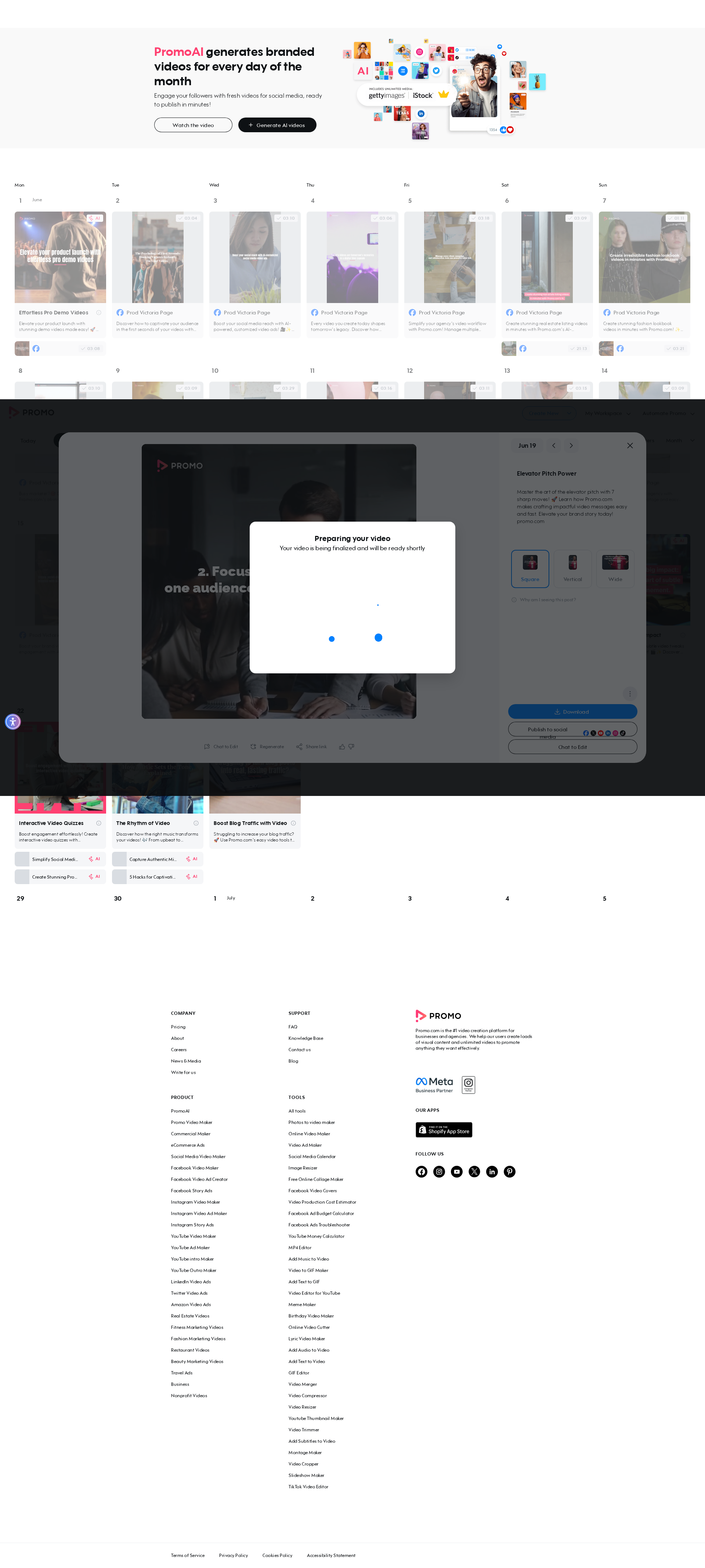
self = <tests.test_autopilot.TestAutopilot object at 0x7f4b0ac44c40> autopilot_page = <pages.autopilot_page.AutopilotPage object at 0x7f4b0acdccd0> login_page = <pages.login_page.LoginPage object at 0x7f4b0acdd930> base_url = 'https://promo.com' @pytest.mark.skip_testenv def test_a01p_verify_actions_on_ai_posts_in_planner( self, autopilot_page, login_page, base_url ): """ A01P Verify actions on the AI posts in planner (prod only) Same scenario as A01T — runs on prod, skipped on testenv. """ login_page.login_directly(base_url, email_ai, get_password()) autopilot_page.go_to_planner(base_url) autopilot_page.ensure_ai_posts_exist() # i-icon tooltip autopilot_page.hover_i_icon(1) autopilot_page.assert_i_icon_tooltip_visible(1) autopilot_page.assert_ai_badge_tooltip_visible() # Post 1: full preview checks + regeneration autopilot_page.open_ai_post(1) autopilot_page.assert_ai_post_tag_visible() autopilot_page.assert_aspect_ratios_visible() autopilot_page.assert_preview_dropdown_buttons_visible() autopilot_page.assert_preview_cta_buttons_visible() autopilot_page.assert_preview_cta_tooltips() autopilot_page.assert_ai_specific_buttons_visible() autopilot_page.assert_video_loaded() autopilot_page.check_single_post_regeneration() autopilot_page.close_preview() # Post 2: positive feedback autopilot_page.open_ai_post(2) autopilot_page.verify_positive_feedback() autopilot_page.close_preview() # Post 3: negative feedback autopilot_page.open_ai_post(3) autopilot_page.verify_negative_feedback() autopilot_page.close_preview() # Post 4: download + delete autopilot_page.open_ai_post(4) download = autopilot_page.click_download() assert download is not None, "Download did
self = <tests.test_autopilot.TestAutopilot object at 0x7f4b0ac44c40> autopilot_page = <pages.autopilot_page.AutopilotPage object at 0x7f4b0acdccd0> login_page = <pages.login_page.LoginPage object at 0x7f4b0acdd930> base_url = 'https://promo.com' @pytest.mark.skip_testenv def test_a01p_verify_actions_on_ai_posts_in_planner( self, autopilot_page, login_page, base_url ): """ A01P Verify actions on the AI posts in planner (prod only) Same scenario as A01T — runs on prod, skipped on testenv. """ login_page.login_directly(base_url, email_ai, get_password()) autopilot_page.go_to_planner(base_url) autopilot_page.ensure_ai_posts_exist() # i-icon tooltip autopilot_page.hover_i_icon(1) autopilot_page.assert_i_icon_tooltip_visible(1) autopilot_page.assert_ai_badge_tooltip_visible() # Post 1: full preview checks + regeneration autopilot_page.open_ai_post(1) autopilot_page.assert_ai_post_tag_visible() autopilot_page.assert_aspect_ratios_visible() autopilot_page.assert_preview_dropdown_buttons_visible() autopilot_page.assert_preview_cta_buttons_visible() autopilot_page.assert_preview_cta_tooltips() autopilot_page.assert_ai_specific_buttons_visible() autopilot_page.assert_video_loaded() autopilot_page.check_single_post_regeneration() autopilot_page.close_preview() # Post 2: positive feedback autopilot_page.open_ai_post(2) autopilot_page.verify_positive_feedback() autopilot_page.close_preview() # Post 3: negative feedback autopilot_page.open_ai_post(3) autopilot_page.verify_negative_feedback() autopilot_page.close_preview() # Post 4: download + delete autopilot_page.open_ai_post(4) download = autopilot_page.click_download() assert download is not None, "Download did
📸 Failure Screenshot:
test_a02_verify_external_share_for_ai_posts[chromium]
passed
⏱️ Duration: 13.90s
test_a03_verify_validation_errors_for_ai_onboarding[chromium]
passed
⏱️ Duration: 8.51s
test_a04_verify_logo_and_watermark_in_autopilot_wizard[chromium]
failed
⏱️ Duration: 18.42s
❌ Error:
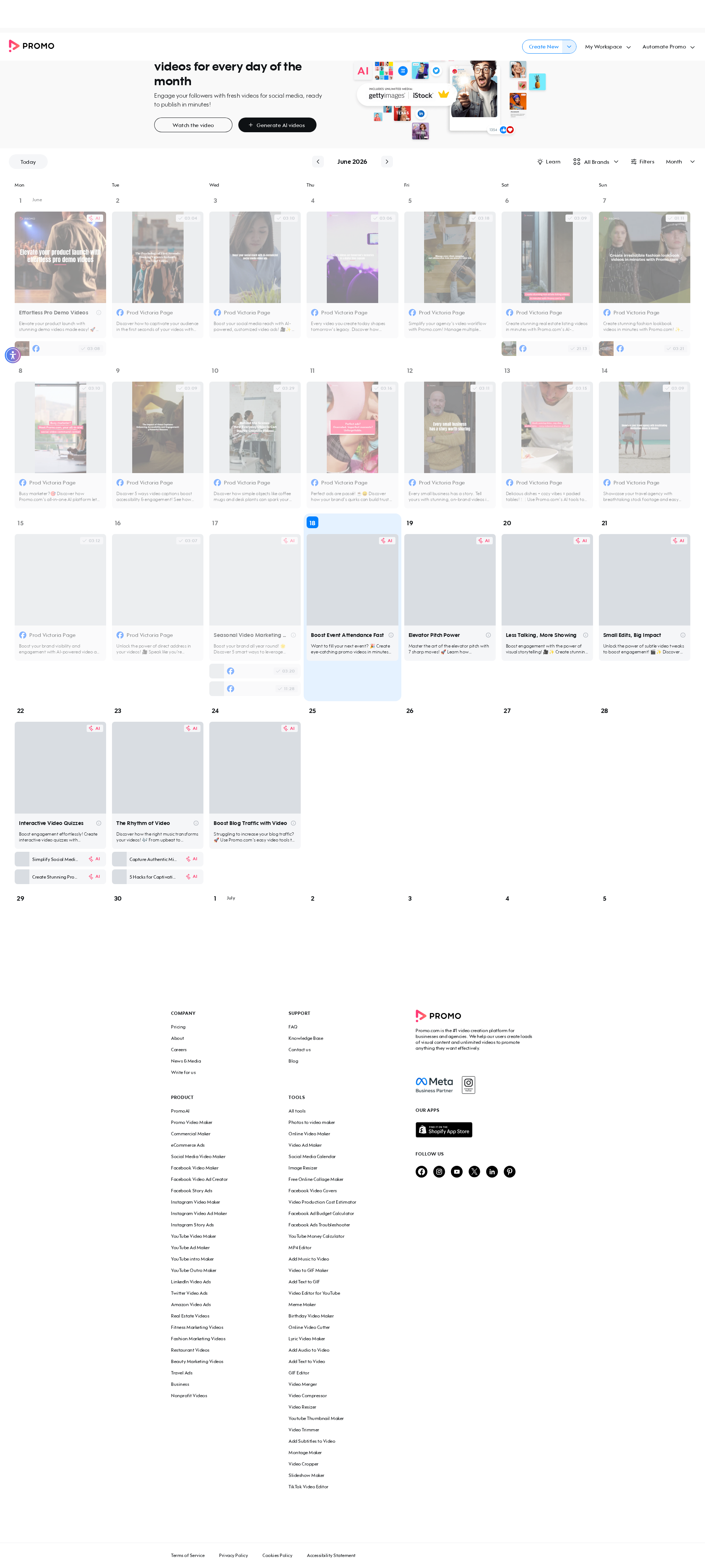
self = <tests.test_autopilot.TestAutopilot object at 0x7f4b0ac45660> autopilot_page = <pages.autopilot_page.AutopilotPage object at 0x7f4b084a5450> login_page = <pages.login_page.LoginPage object at 0x7f4b084a6290> base_url = 'https://promo.com' @pytest.mark.skip_smoke def test_a04_verify_logo_and_watermark_in_autopilot_wizard( self, autopilot_page, login_page, base_url ): """ A04 Verify logo and watermark functionalities in the autopilot wizard Feature scenario: Given AI user is logged in When I open Planner And I click Generate video posts in the banner Then Business assets logo dropdown is displayed Then I verify dropdown if 2 options are displayed And I verify if watermark is filled And I verify if watermark has dropdown options """ login_page.login_directly(base_url, email_ai, get_password()) autopilot_page.go_to_planner(base_url) autopilot_page.click_generate_in_banner() > autopilot_page.assert_logo_dropdown_displayed() tests/test_autopilot.py:259: _ _ _ _ _ _ _ _ _ _ _ _ _ _ _ _ _ _ _ _ _ _ _ _ _ _ _ _ _ _ _ _ _ _ _ _ _ _ _ _ pages/autopilot_page.py:924: in assert_logo_dropdown_displayed self.page.locator(self.AI_ONBOARDING_WATERMARK_BOX_FILLED).wait_for( /usr/local/lib/python3.10/dist-packages/playwright/sync_api/_generated.py:20048: in wait_for self._sync( /usr/local/lib/python3.10/dist-packages/playwright/_impl/_locator.py:741: in wait_for await self._frame.wait_for_selector( /usr/local/lib/python3.10/dist-packages/playwright/_impl/_frame.py:372: in wait_for_selector await self._channel.send( /usr/local/lib/python3.10/dist-packages/playwright/_impl/_connection.py:69: in send return await self._connection.wrap_api_call( _ _ _ _ _ _ _ _ _ _ _ _ _ _ _ _ _ _ _ _ _ _ _ _ _ _ _ _ _ _ _ _ _ _ _ _ _ _ _ _ self = <playwright._impl._connection.Connection object at 0x7f4b0acddd20> cb = <
self = <tests.test_autopilot.TestAutopilot object at 0x7f4b0ac45660> autopilot_page = <pages.autopilot_page.AutopilotPage object at 0x7f4b084a5450> login_page = <pages.login_page.LoginPage object at 0x7f4b084a6290> base_url = 'https://promo.com' @pytest.mark.skip_smoke def test_a04_verify_logo_and_watermark_in_autopilot_wizard( self, autopilot_page, login_page, base_url ): """ A04 Verify logo and watermark functionalities in the autopilot wizard Feature scenario: Given AI user is logged in When I open Planner And I click Generate video posts in the banner Then Business assets logo dropdown is displayed Then I verify dropdown if 2 options are displayed And I verify if watermark is filled And I verify if watermark has dropdown options """ login_page.login_directly(base_url, email_ai, get_password()) autopilot_page.go_to_planner(base_url) autopilot_page.click_generate_in_banner() > autopilot_page.assert_logo_dropdown_displayed() tests/test_autopilot.py:259: _ _ _ _ _ _ _ _ _ _ _ _ _ _ _ _ _ _ _ _ _ _ _ _ _ _ _ _ _ _ _ _ _ _ _ _ _ _ _ _ pages/autopilot_page.py:924: in assert_logo_dropdown_displayed self.page.locator(self.AI_ONBOARDING_WATERMARK_BOX_FILLED).wait_for( /usr/local/lib/python3.10/dist-packages/playwright/sync_api/_generated.py:20048: in wait_for self._sync( /usr/local/lib/python3.10/dist-packages/playwright/_impl/_locator.py:741: in wait_for await self._frame.wait_for_selector( /usr/local/lib/python3.10/dist-packages/playwright/_impl/_frame.py:372: in wait_for_selector await self._channel.send( /usr/local/lib/python3.10/dist-packages/playwright/_impl/_connection.py:69: in send return await self._connection.wrap_api_call( _ _ _ _ _ _ _ _ _ _ _ _ _ _ _ _ _ _ _ _ _ _ _ _ _ _ _ _ _ _ _ _ _ _ _ _ _ _ _ _ self = <playwright._impl._connection.Connection object at 0x7f4b0acddd20> cb = <
📸 Failure Screenshot:
test_a05_replace_brand_colors_in_autopilot_wizard[chromium]
passed
⏱️ Duration: 6.10s
test_a06_schedule_an_ai_post[chromium]
failed
⏱️ Duration: 40.23s
❌ Error:
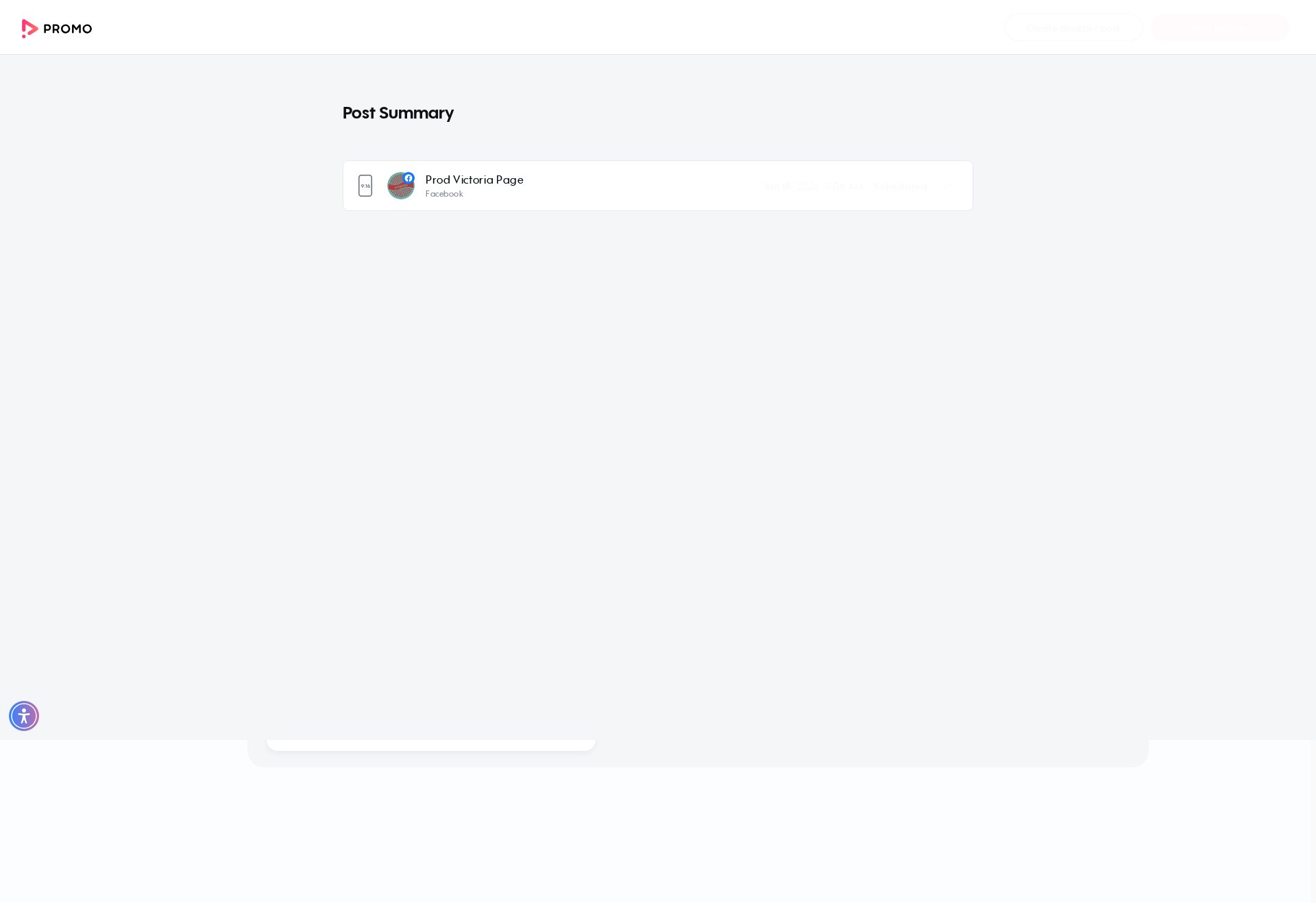
self = <tests.test_autopilot.TestAutopilot object at 0x7f4b0ac458a0> autopilot_page = <pages.autopilot_page.AutopilotPage object at 0x7f4b09194b20> login_page = <pages.login_page.LoginPage object at 0x7f4b091944c0> publisher_page = <pages.publisher_page.PublisherPage object at 0x7f4b091956c0> base_url = 'https://promo.com' @pytest.mark.skip_smoke @pytest.mark.skip_sanity def test_a06_schedule_an_ai_post( self, autopilot_page, login_page, publisher_page, base_url ): """ A06 Schedule an AI post Feature scenario: Given AI user is logged in When I open Planner Then I clean all scheduled posts for the current month When I click on 2 AI Post And I click the schedule button And I schedule an AI post (calendar confirm) And I complete the schedule flow on the publisher page And I click the view planner button Then I verify that user is redirected to the planner Then Assert amount of scheduled posts in planner: 1 """ login_page.login_directly(base_url, email_ai, get_password()) autopilot_page.go_to_planner(base_url) autopilot_page.clean_scheduled_posts() autopilot_page.open_ai_post(2) autopilot_page.click_schedule_button() autopilot_page.schedule_ai_post() publisher_page.select_schedule_mode() publisher_page.click_publish() publisher_page.assert_publish_review(PublisherPage.STATUS_SCHEDULE) publisher_page.confirm_publish() > autopilot_page.click_view_planner_button() tests/test_autopilot.py:316: _ _ _ _ _ _ _ _ _ _ _ _ _ _ _ _ _ _ _ _ _ _ _ _ _ _ _ _ _ _ _ _ _ _ _ _ _ _ _ _ pages/autopilot_page.py:817: in click_view_planner_button self.page.locator(self.VIEW_PLANNER_BUTTON).wait_for( /usr/local/lib/python3.10/dist-packages/playwright/sync_api/_generated.py:20048: in wait_for self._sync( /usr/local/lib/python3.10/dist-pack
self = <tests.test_autopilot.TestAutopilot object at 0x7f4b0ac458a0> autopilot_page = <pages.autopilot_page.AutopilotPage object at 0x7f4b09194b20> login_page = <pages.login_page.LoginPage object at 0x7f4b091944c0> publisher_page = <pages.publisher_page.PublisherPage object at 0x7f4b091956c0> base_url = 'https://promo.com' @pytest.mark.skip_smoke @pytest.mark.skip_sanity def test_a06_schedule_an_ai_post( self, autopilot_page, login_page, publisher_page, base_url ): """ A06 Schedule an AI post Feature scenario: Given AI user is logged in When I open Planner Then I clean all scheduled posts for the current month When I click on 2 AI Post And I click the schedule button And I schedule an AI post (calendar confirm) And I complete the schedule flow on the publisher page And I click the view planner button Then I verify that user is redirected to the planner Then Assert amount of scheduled posts in planner: 1 """ login_page.login_directly(base_url, email_ai, get_password()) autopilot_page.go_to_planner(base_url) autopilot_page.clean_scheduled_posts() autopilot_page.open_ai_post(2) autopilot_page.click_schedule_button() autopilot_page.schedule_ai_post() publisher_page.select_schedule_mode() publisher_page.click_publish() publisher_page.assert_publish_review(PublisherPage.STATUS_SCHEDULE) publisher_page.confirm_publish() > autopilot_page.click_view_planner_button() tests/test_autopilot.py:316: _ _ _ _ _ _ _ _ _ _ _ _ _ _ _ _ _ _ _ _ _ _ _ _ _ _ _ _ _ _ _ _ _ _ _ _ _ _ _ _ pages/autopilot_page.py:817: in click_view_planner_button self.page.locator(self.VIEW_PLANNER_BUTTON).wait_for( /usr/local/lib/python3.10/dist-packages/playwright/sync_api/_generated.py:20048: in wait_for self._sync( /usr/local/lib/python3.10/dist-pack
📸 Failure Screenshot:
test_a07_free_user_has_no_brand_options_in_wizard[chromium]
passed
⏱️ Duration: 11.73s
test_a08_educational_video_in_planner_banner[chromium]
passed
⏱️ Duration: 5.48s
test_a09_redirect_to_publish_page_via_preview_buttons[chromium-export-cbe]
failed
⏱️ Duration: 22.26s
❌ Error:
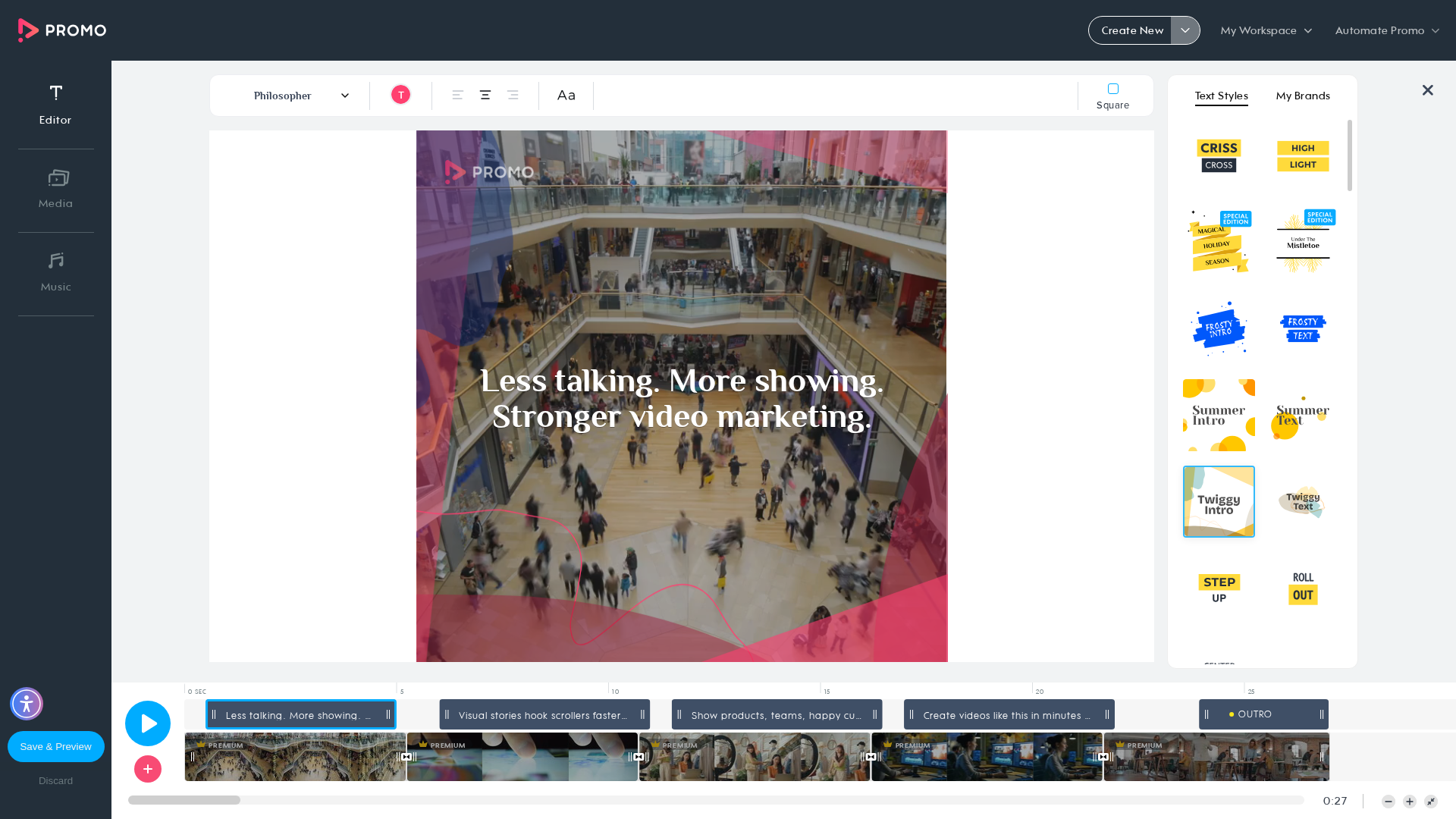
self = <tests.test_autopilot.TestAutopilot object at 0x7f4b0ac465c0> autopilot_page = <pages.autopilot_page.AutopilotPage object at 0x7f4b0818cee0> login_page = <pages.login_page.LoginPage object at 0x7f4b0818e6b0> base_url = 'https://promo.com', button_key = 'export', option = 'cbe' @pytest.mark.skip_smoke @pytest.mark.parametrize("button_key,option", [ ("export", "cbe"), ("upload_to", "voice"), ("embed", "regenerate"), ]) def test_a09_redirect_to_publish_page_via_preview_buttons( self, autopilot_page, login_page, base_url, button_key, option ): """ A09 Verify user is redirected to the publish page when using planner preview buttons Feature scenario (Scenario Outline): Given AI user is logged in When I open Planner Then I generate AI posts if needed When I click on 4 AI Post When I click the "<button>" button in the dropdown Then Video is being rendered Then New tab with Publish Page is opened When I open Planner via link When I click on 4 rendered AI Post Then I check that "<option>" is not available Then I remove the rendered post Examples: export/cbe | upload_to/voice | embed/regenerate """ login_page.login_directly(base_url, email_ai, get_password()) autopilot_page.go_to_planner(base_url) autopilot_page.ensure_ai_posts_exist() autopilot_page.open_ai_post(4) > autopilot_page.click_dropdown_button_open_publish(button_key) tests/test_autopilot.py:398: _ _ _ _ _ _ _ _ _ _ _ _ _ _ _ _ _ _ _ _ _ _ _ _ _ _ _ _ _ _ _ _ _ _ _ _ _ _ _ _ pages/autopilot_page.py:700: in click_dropdown_button_open_publish self.wait_for_video_rendering() pages/autopilot_page.py:708: in wait_for_video_rendering self.page.locator(self.AI_VIDEO_BEING_RENDERED).wait_for(state="visible", timeout=self.T_LOAD) /usr/local/lib/python3.10/dist-
self = <tests.test_autopilot.TestAutopilot object at 0x7f4b0ac465c0> autopilot_page = <pages.autopilot_page.AutopilotPage object at 0x7f4b0818cee0> login_page = <pages.login_page.LoginPage object at 0x7f4b0818e6b0> base_url = 'https://promo.com', button_key = 'export', option = 'cbe' @pytest.mark.skip_smoke @pytest.mark.parametrize("button_key,option", [ ("export", "cbe"), ("upload_to", "voice"), ("embed", "regenerate"), ]) def test_a09_redirect_to_publish_page_via_preview_buttons( self, autopilot_page, login_page, base_url, button_key, option ): """ A09 Verify user is redirected to the publish page when using planner preview buttons Feature scenario (Scenario Outline): Given AI user is logged in When I open Planner Then I generate AI posts if needed When I click on 4 AI Post When I click the "<button>" button in the dropdown Then Video is being rendered Then New tab with Publish Page is opened When I open Planner via link When I click on 4 rendered AI Post Then I check that "<option>" is not available Then I remove the rendered post Examples: export/cbe | upload_to/voice | embed/regenerate """ login_page.login_directly(base_url, email_ai, get_password()) autopilot_page.go_to_planner(base_url) autopilot_page.ensure_ai_posts_exist() autopilot_page.open_ai_post(4) > autopilot_page.click_dropdown_button_open_publish(button_key) tests/test_autopilot.py:398: _ _ _ _ _ _ _ _ _ _ _ _ _ _ _ _ _ _ _ _ _ _ _ _ _ _ _ _ _ _ _ _ _ _ _ _ _ _ _ _ pages/autopilot_page.py:700: in click_dropdown_button_open_publish self.wait_for_video_rendering() pages/autopilot_page.py:708: in wait_for_video_rendering self.page.locator(self.AI_VIDEO_BEING_RENDERED).wait_for(state="visible", timeout=self.T_LOAD) /usr/local/lib/python3.10/dist-
📸 Failure Screenshot:
test_a09_redirect_to_publish_page_via_preview_buttons[chromium-upload_to-voice]
passed
⏱️ Duration: 28.95s
test_a09_redirect_to_publish_page_via_preview_buttons[chromium-embed-regenerate]
passed
⏱️ Duration: 28.30s
test_a10_create_new_with_topic[chromium]
passed
⏱️ Duration: 6.11s
test_a11_create_new_with_website[chromium]
passed
⏱️ Duration: 8.31s
test_a12_create_new_with_amazon_product[chromium-amazon.com/dp/B0BRH2RNHX]
passed
⏱️ Duration: 6.33s
test_a12_create_new_with_amazon_product[chromium-https://www.airbnb.com/rooms/1402655494806905338]
passed
⏱️ Duration: 5.42s
×
![]()